
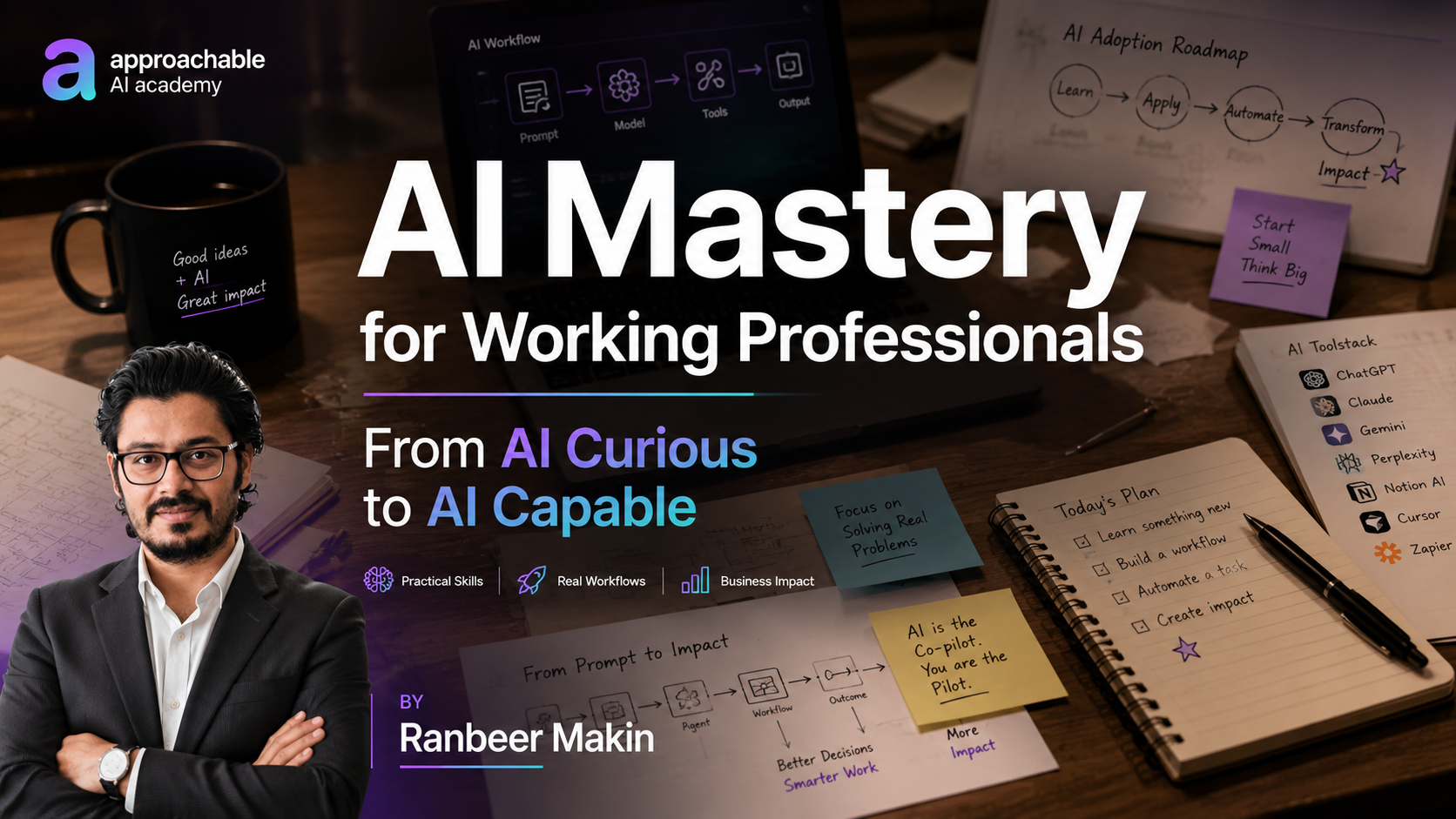
AI Mastery for Working Professionals
By Ranbeer Makin
About this Course
AI is changing how we work—but most professionals don't know where to begin.
This course is designed to help you move from AI Curious to AI Capable through practical, hands-on learning. Instead of focusing on theory, you'll learn how to use today's leading AI tools to save time, improve productivity, automate repetitive work, and build AI-powered solutions.
You'll explore tools like ChatGPT, Claude, NotebookLM, n8n, GitHub Copilot, Lovable, and more while understanding the concepts behind modern AI, prompt engineering, AI agents, and AI-powered workflows.
Whether you're in business, marketing, HR, finance, operations, consulting, or software development, this course will help you confidently apply AI to your daily work.
For any queries regarding this course or the Approachable platform, email me at ranbeer@gmail.com
About the Instructor
Ranbeer Makin is passionate about helping working professionals confidently adopt AI. He has already trained 250+ learners through hands-on workshops and practical courses. As a software entrepreneur with 18+ years of experience, he now focuses on helping professionals move from AI Curious to AI Capable by teaching practical workflows, automation, and real-world AI applications.
What You'll Learn
By the end of this course, you'll be able to:
- Understand how modern AI and Large Language Models (LLMs) work
- Master prompt engineering techniques for better AI outputs
- Use ChatGPT, Claude, Gemini, and other leading AI tools effectively
- Build repeatable AI workflows that save hours every week
- Understand AI Agents and how they differ from chatbots
- Automate business processes using n8n (no-code)
- Build simple AI applications using APIs
- Create AI-powered assistants for research, content, analysis, and customer support
- Learn the fundamentals of Vibe Coding and AI-assisted software development
- Apply AI safely using best practices for prompting, validation, and evaluation
- Stay ahead in an AI-first workplace
Who Is This Course For?
This course is ideal for:
- Working professionals looking to become AI-ready
- Managers and team leads who want to improve productivity
- Product Managers and Business Analysts
- Consultants and freelancers
- Entrepreneurs and startup founders
- Software developers who want to leverage AI coding tools
- Marketing, Sales, HR, Finance, and Operations professionals
- Anyone curious about AI but unsure where to start
No prior AI experience is required.
What's Included
- 🎥 48 recorded videos
- 📚 5+ hours of structured video content
- 🛠 Hands-on demos and real-world AI workflows
- 📝 Quizzes and practical exercises
- 💻 Capstone project (do on your own)
- 🤝 Private learner community (coming soon)
- 📂 Downloadable prompts, templates, and resources
- 🚀 Lifetime access to course recordings
- 🎓 Certificate of Completion (Available now!)
Tools we will use in this course
- ChatGPT
- Claude
- NotebookLM
- GitHub Copilot
- Lovable
- n8n
- OpenAI API
Course Outcome
By the end of this course, you'll have the confidence to use AI in your everyday work, automate repetitive tasks, build AI-powered workflows, and understand where AI can create the greatest impact in your career and organization.
The goal isn't just to learn AI. It's to become AI Capable.
Course Content
- 1Course Introduction
- 2Course Objectives (Must watch)
- 3Two hot topics in AI currently
- 4AI layoffs
- 5AI native teams
- 6AI Interfaces & Course Roadmap
- 7History of AI & Industry Evolution
- 8Popular LLMs
- 9Advanced: How LLMs Work
- 10Everyday AI tools
- 11ChatGPT & Claude Personalization
- 12Projects in ChatGPT & Claude
- 13OpenAI Platform
- 14Tool: Notebook LM
- 15Recap & Next week session plan
- Quiz: Session 1: AI Mastery: Quiz 1: AI Overview
- Mini-project: 1: Set up and personalize your ChatGPT
- Mini-project: 2: Write one prompt for a task you do weekly
- Mini-project: 3: Build a persistent work Project
- Mini-project: 4: NotebookLM knowledge base for your role
- 1Introduction & Outcome of Today's Session
- 2Principles of Prompting
- 3Prompt Template & Prompting Guide
- 4Talk It Loud Prompt Method
- 5Deep Research
- 6AI Response Degradation, New Chats, Context Windows
- 7System Prompt, User and Assistant messges
- 8Code: Building AI Apps: A simple call to OpenAI API
- 9Code: Building AI Apps: Zero-shot, Few-shot, Many-shot
- 10Code: How to secure your prompts
- 11Code: Structured Output, Max Output Tokens, and Temperature
- 12Code: Applied examples: sentiment analysis, data extraction, ticket routing
- 13Code: A Pizza Order taking bot
- 14Testing AI Apps: Evals, Graders & Traces
- 15User input validations, reducing Hallucinations & other best practices and techniques
- 16Recap & Next week session plan
- 17Demo: Ticket Classification - prompt buildingNew
- Quiz: Session 2: Quiz 1: Prompt Engineering
- Pre-reading: 1: Prompt Engineering 101 (30 mins)
- Pre-reading: 2: Additional Readings
- Pre-reading: 3: Github samples
- Mini-project: 1: Build a sentiment analysis application
- Mini-project: 2: Write a prompt to extract data from meeting transcript
- Mini-project: 3: Create a simple customer support chatbot
- 1Introduction to AI Agents
- 2Evolution of LLMs & Agentic AI Fundamentals
- 3Agentic AI and Degress of autonomy
- 4More AI Agent examples: Customer support, coding and research agents
- 5Advanced: Agent Design Pattern #1: Reflection
- 6Advanced: Agent Design Pattern #2: Tool use
- 7Advanced: Agent Design Pattern #3: Planning
- 8Advanced: Agent Design Pattern #4: Multi-agent systems
- 9Tool: Basics of n8n (No-Code) & your first LLM Call with n8n
- 10No-Code: Sentiment Analysis & Data extraction with n8n
- 11No-Code: Pizza Ordering bot in n8n
- 12No-Code: Customer Retention AI Agent n8n
- 13Advanced: Multi agents & more Agentic design patterns
- 14Where do I start with AI Agents, Recap and next steps
- Quiz: Session 3: Quiz 1: AI Agents
- Pre-reading: 1: Introduction to AI Agents
- Pre-reading: 2: Github repo with Agents sample
- Mini-project: 1: Create an N8N AI agent to classify incoming support email
- 1Introduction and Precap
- 2Quiz
- 3Need a favor
- 4What is Vibe Coding
- 5Why Vibe Code
- 6Vibe Coding prompt building blocks
- 7Vibe Coding tools
- 8Demo: Claude Artifacts
- 9Demo: Copilot in Excel
- 10Tool: Lovable (Build applications and prototypes) - full walkthrough
- 11Advanced: GitHub Copilot Pro - full walkthrough
- 12Vibe Coding vs Agentic Engineering
- 13Advanced: Best Practices & Where AI can add efficiency gains in Software Development processes
- 14Conclusion
- Quiz: Session 4: Quiz 1: Vibe Coding
- Mini-project: 1: Create a Roadmap tracker app entirely vibe coded
- 1Capstone Projects 1 & 2 Discussion
- 2Capstone Project 1 Solution
- Pre-reading: 1: Kaggle dataset
- Mini-project: Capstone Project 3: Feature request intelligence dashboard
- Mini-project: Capstone Project 4: Hiring pipeline copilot